
AI maintenance management
An AI agent to help move repairs along
Send your agent a repair report on WhatsApp, forward a property email or upload a related document. Bellsoph connects the information to the property and organises the next steps, so a small repair doesn’t lose its place among other jobs.
Start free. AI with your property records to hand.
MAINTENANCE TASK
Dripping kitchen tap
Flat 2, Willow Court
- 1Agent organises the report
Dripping kitchen tap linked to Flat 2.
- 2Next action prepared
Repair details and quote ready for your decision.
- 3Work completed
Completion recorded against the property.
Give the report somewhere to go
Example: Alex Taylor reports a dripping kitchen tap at Flat 2, Willow Court. You pass the details to your agent, which identifies the unit and creates a property-linked repair task. The report and related documents stay with the work, and an unclear property match comes back to you for confirmation.
Let the agent prepare what happens next
Set a due date, ask for a follow-up and have the agent prepare a message to the contractor. You review the proposed next step and approve outgoing messages, bookings or spending before those actions happen. The task remains visible in Tasks and Calendar, so you can return to it with the relevant details to hand.
Keep the updates through to completion
Tell your agent when you’ve followed up or received an update, and it progresses the task with that information. Once you confirm the tap has been repaired, completion can be recorded alongside the earlier work. Forward the repair receipt to your agent’s email address and it identifies the property, files the source document and prepares the expense details for your review.
Your agent, where you work
The repair doesn’t end with the last message
Forward the contractor’s invoice, receipt or reminder to your agent’s email address. It reads the message and attachment, identifies the property and files the document or prepares follow-up work. The paperwork stays with the job and records it belongs to.
See how the agent worksFORWARDED TO YOUR BELLSOPH AGENT
Receipt: kitchen tap repair
Flat 2, Willow Court
AN UNCLEAR MATCH COMES BACK TO YOU FOR CONFIRMATION
Keep the next job visible
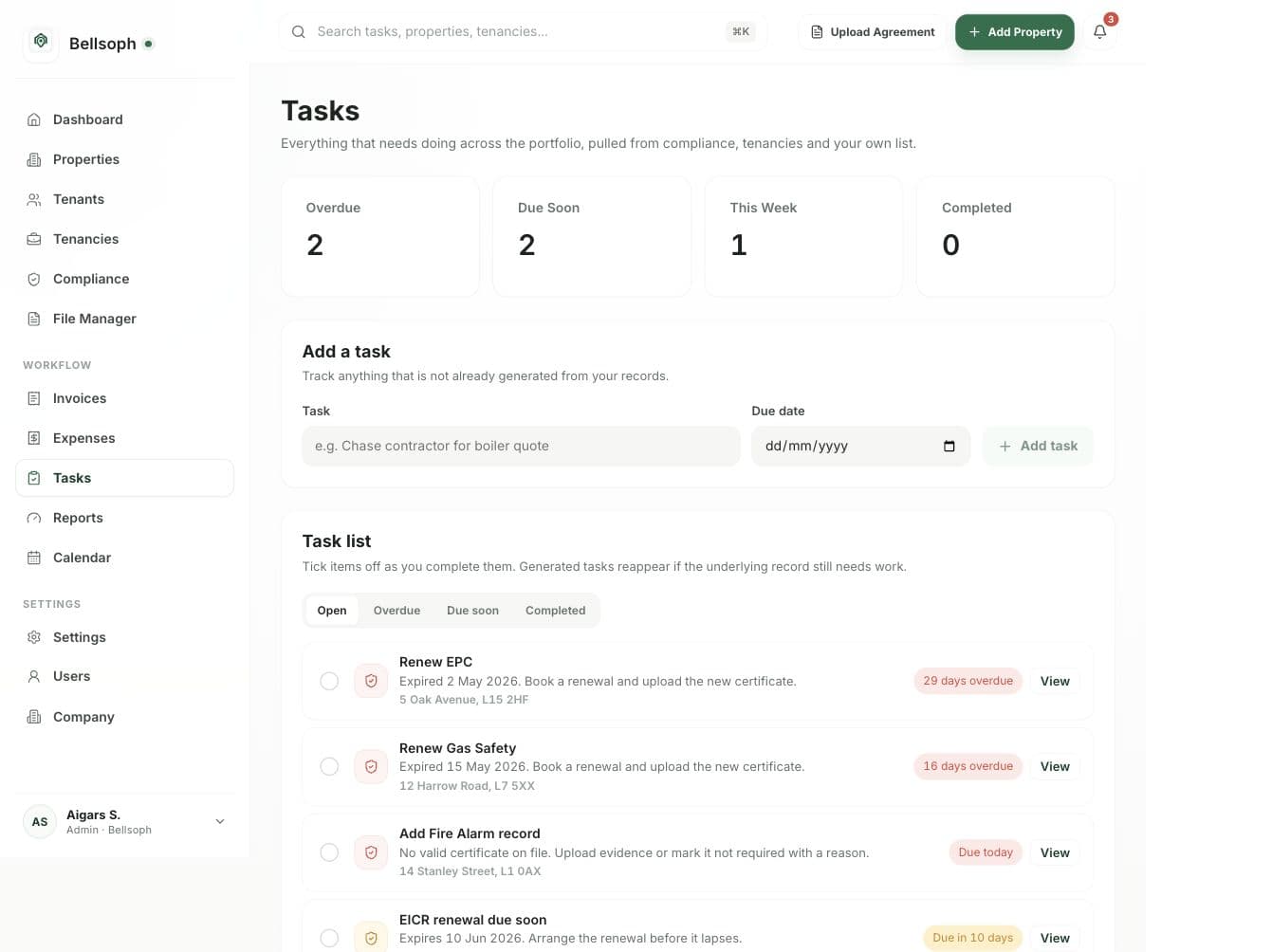
The agent’s work connects to your property records, tasks and calendar. You can see what still needs attention and pick up the details of a repair.
Can I send an update without opening the dashboard?
Yes. Message your agent on WhatsApp with the property and what’s changed, or forward the relevant email. The agent uses that update to progress the linked task.
Will the agent contact a contractor without checking?
You approve outgoing messages, bookings and spending. It can prepare the message and next steps while keeping those decisions with you.
Where does the repair cost appear?
Review and approve the extracted receipt details as an expense linked to the property. Recorded expenses feed into monthly profit information, with a monthly-profit CSV available to download.
Put your AI agent to work
Start with one repair that needs following up
Give your agent the details, check the next step and keep the job connected from report to completion.